Media downloader guide
How to Download Instagram Videos for Free with Media Downloader Pro
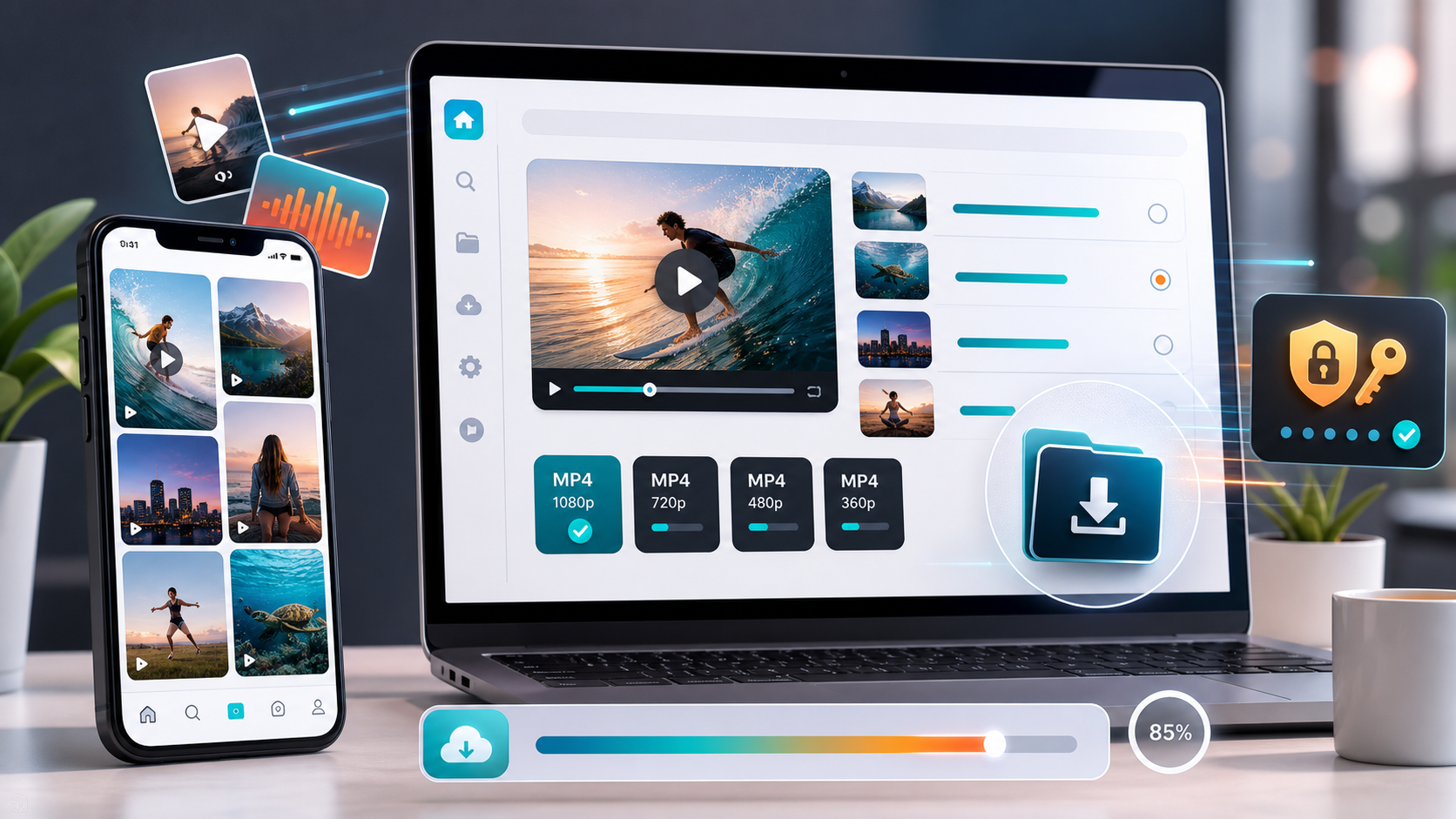
Use Media Downloader Pro to analyze supported Instagram reels and posts, choose MP4 quality options, and save accessible videos from a clean web interface.
Media Downloader Pro is a fast online video downloader built to analyze media links, show MP4 quality options, and help users save supported videos from a clean web interface.
Open Media Downloader ProA cleaner way to save Instagram videos
Media Downloader Pro helps users analyze supported Instagram reels and post URLs before downloading. Instead of showing a noisy technical list, the app focuses on practical MP4 options and a clear next step.
This workflow is best for videos you own, videos you have permission to save, or public and account-accessible media that is allowed for your use case. It does not bypass private content or permissions.
How to download Instagram videos for free
Copy the Instagram reel or post link, paste it into Media Downloader Pro, and click Analyze. The app normalizes supported Instagram URLs and checks whether usable media formats are available.
When analysis succeeds, choose the MP4 option that fits your needs. A smaller file is faster for quick reference, while a higher-quality option is better when you need a sharper local copy.
Why Instagram downloads can need cookies
Instagram sometimes requires a logged-in browser session before media data is visible. Media Downloader Pro supports cookie-based access through a local cookies.txt file, which can help when the logged-in account can already view the content.
Cookie files should stay private and should never be uploaded to a public repository. If Instagram starts returning empty results, refresh the cookies from a browser session where the target post opens correctly.
Media Downloader Pro features for Instagram
The app provides friendly Instagram error messages, visible analysis progress, popup results, and short-lived local downloads. These details make the experience easier for visitors and reduce confusion when a platform blocks or restricts a post.
For public hosting, the same clean flow helps users understand what happened: paste the link, wait for analysis, choose a quality, and download the prepared file when the source is accessible.
Frequently asked questions
Can Media Downloader Pro download Instagram reels?
It can analyze supported Instagram reel and post links when the media is accessible to the server or to the configured logged-in session.
Why does an Instagram download fail?
Instagram downloads often fail when the post is private, removed, restricted, or requires fresh login cookies.
Is cookies.txt safe to publish?
No. Treat cookies.txt as sensitive login-related data and keep it out of public source control and public folders.